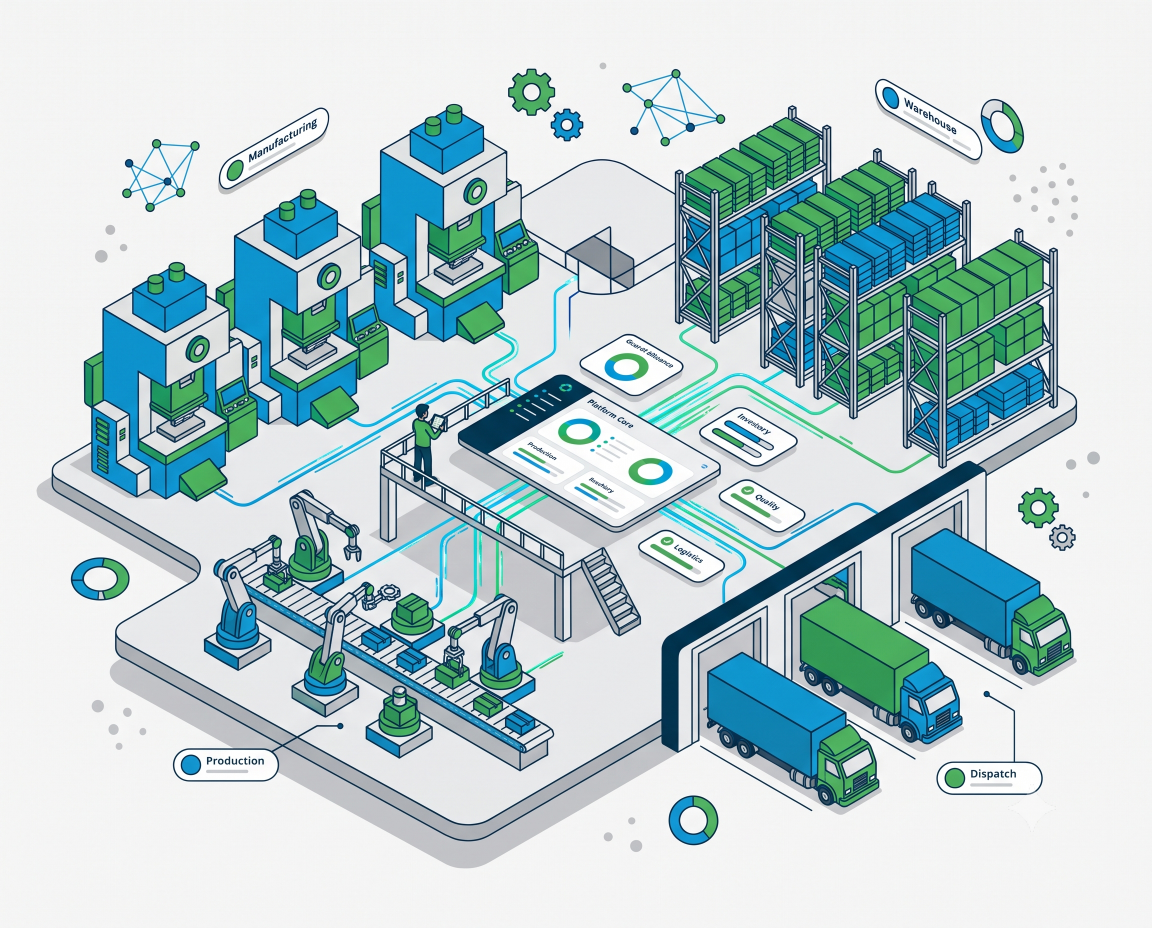
Everything your factory
needs — connected, live, and in one system.
Running a manufacturing operation means managing a dozen moving parts at the same time — raw material coming in, production happening on the floor, finished goods piling up, dispatch going out, quality being checked, and suppliers waiting for feedback. Most factories handle all of this through a mix of registers, spreadsheets, and phone calls.
eMaker brings all of it into one connected platform. Each module below covers a specific part of your operation. Every module feeds into the same system — so data entered by your store team shows up on the management dashboard, on the production screen, and in your reports automatically. No double entry. No version conflicts. No chasing people for updates.
Live Dashboard & Daily Report
Real-time visibility into your entire factory — from one screen
What It Is
The emaker dashboard is the first thing you see when you log in — and it tells you everything that matters about your factory right now. Not what happened yesterday. Not what the supervisor reported at shift end. What is happening at this exact moment.
It pulls live data from every module — attendance, machine status, inventory alerts, pending GRIRs, dispatch queue, and supplier tasks — and shows everything in a single, clean screen. No toggling between reports. No calling the floor. One screen. Everything.
The Problem It Solves
Most factory owners and managers start the day with a round of calls — "How many people came in today?" "Which machines are running?" "Is the dispatch ready?" "What's pending in stores?" These calls take 20–30 minutes every morning and the answers are already outdated by the time the meeting starts. emaker eliminates those calls entirely.
What You See On the Dashboard
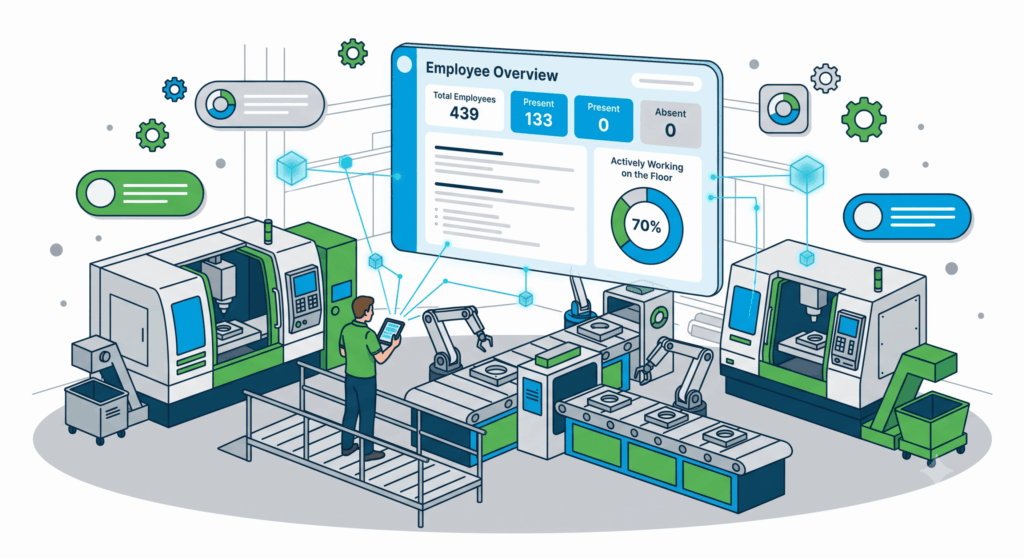
Employee Overview:
Total employees, present count, absent count, and how many are actively working on the floor — updated in real time as your supervisor logs the day.
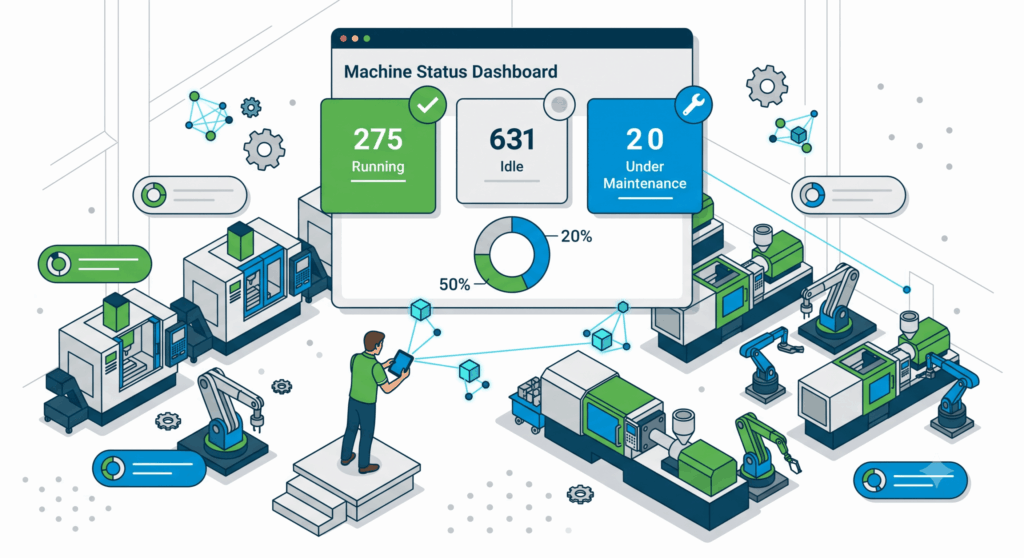
Machine Status:
How many machines are running, how many are idle, and how many are under maintenance — across your entire plant, at a glance.
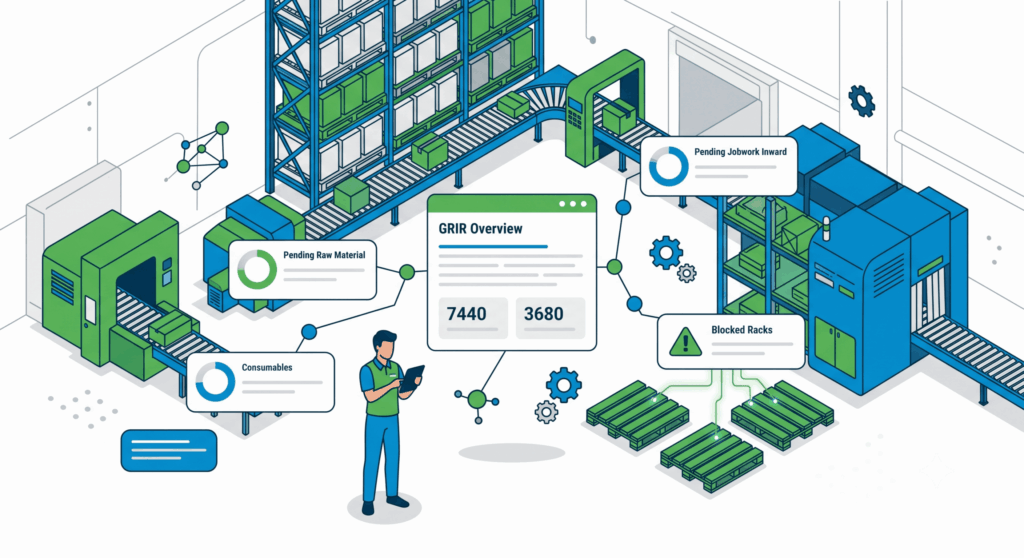
GRIR Overview:
Pending raw material GRIRs, jobwork GRIRs, consumables GRIRs, and blocked racks — so stores knows exactly what needs to be cleared today.
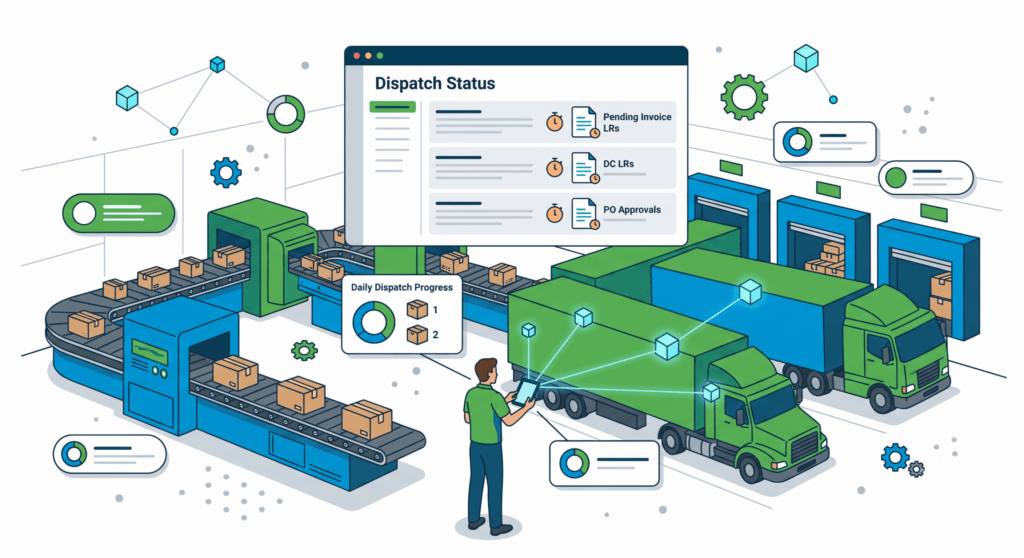
Dispatch Status:
Pending invoice LRs, DC LRs, customer PO approvals, and pending dispatches — the full outward picture for the day.
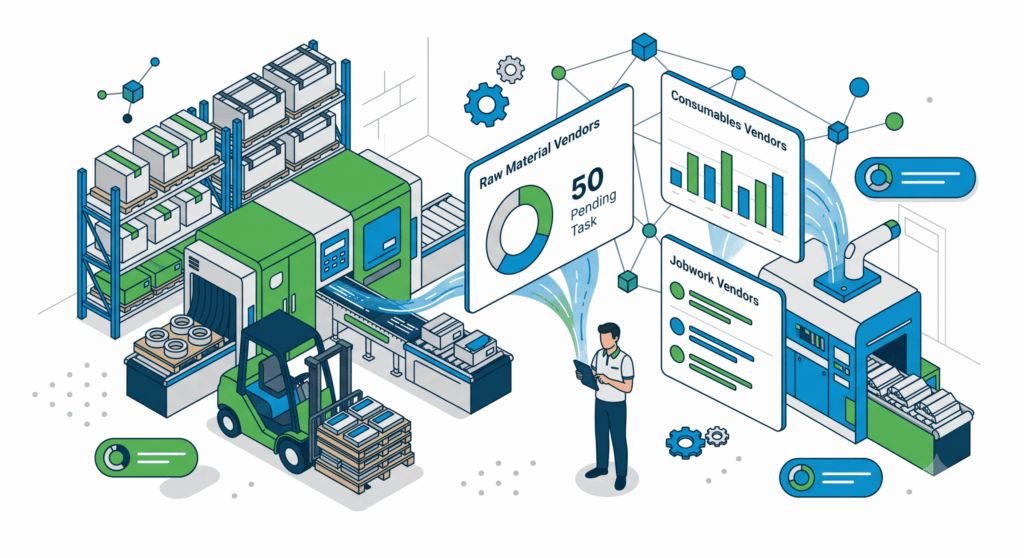
Supplier Performance:
How many supplier performance entries are pending action — raw material, consumables, and jobwork vendors all shown separately.
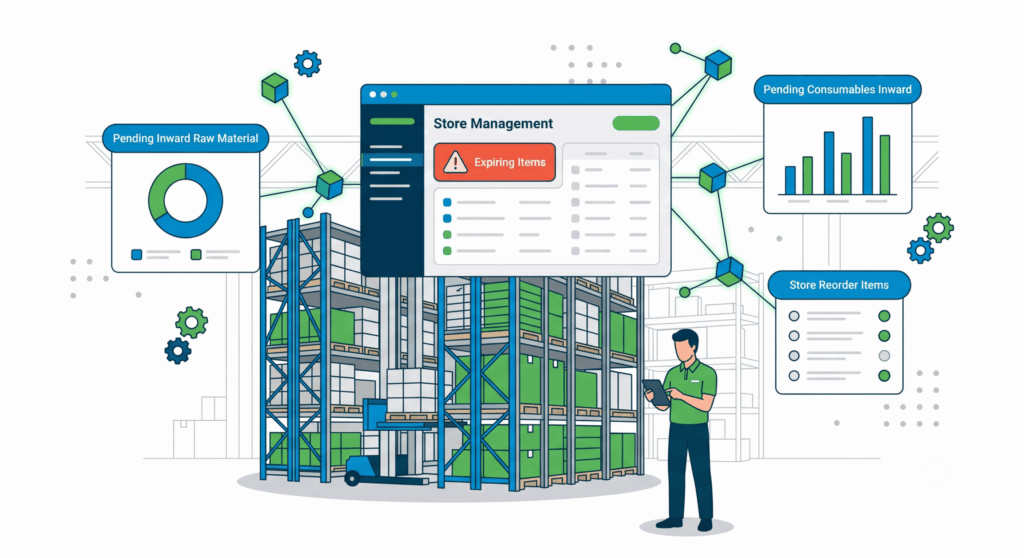
Store Management:
Expiring items, pending inward raw material, pending consumables inward data, and store reorder items — everything your store team needs to act on today.
Why This Matters for Your Business
Management gets a clear picture of operations without being physically present on the floor
Problems that were invisible until end-of-day — low stock, idle machines, pending approvals — become visible in real time
Morning production meetings become shorter and more focused because everyone already knows the status
Dashboard is accessible from any browser — your phone, your laptop, your office desktop, from home
Every number on the dashboard links back to the data that generated it — so you can drill deeper if something looks off
“Your factory is running right now. emaker makes sure you’re never the last one to know what’s happening in it.”
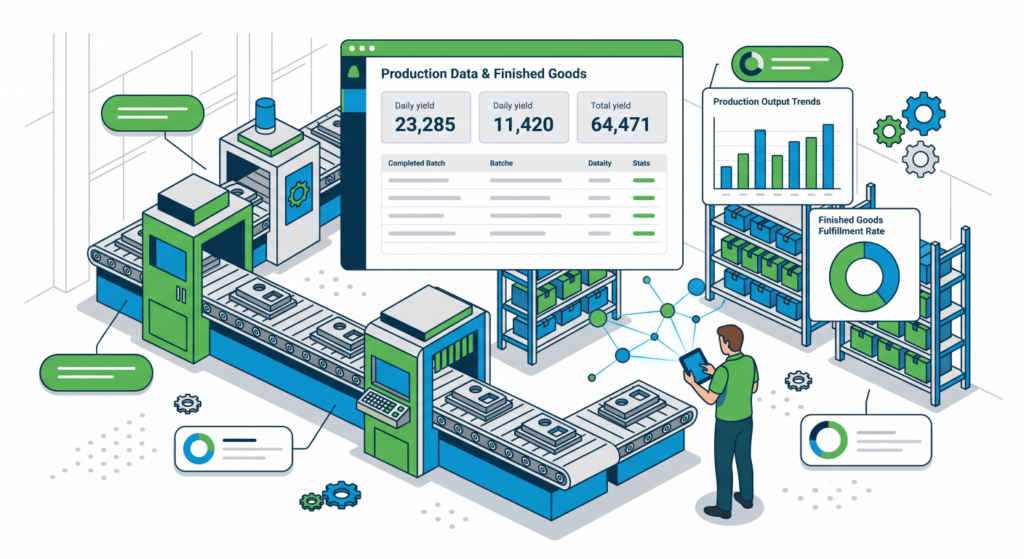
Production Data & Finished Goods Report
Log every part produced. Know your FG stock at any moment.
What It Is
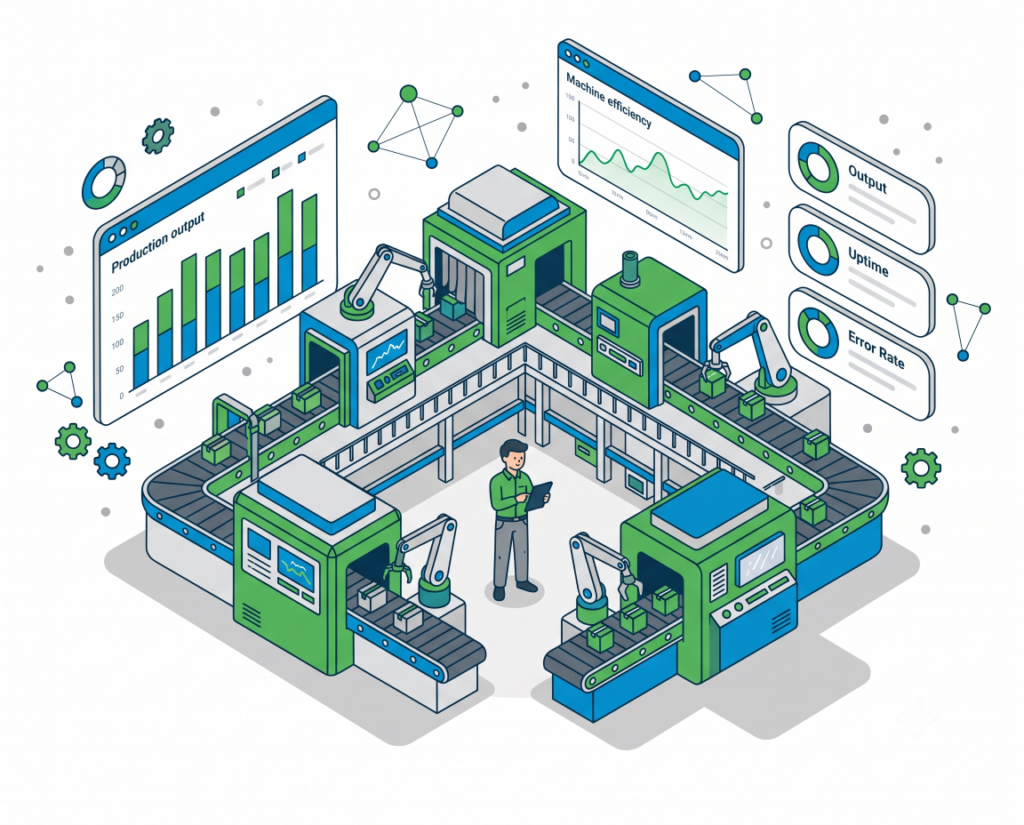
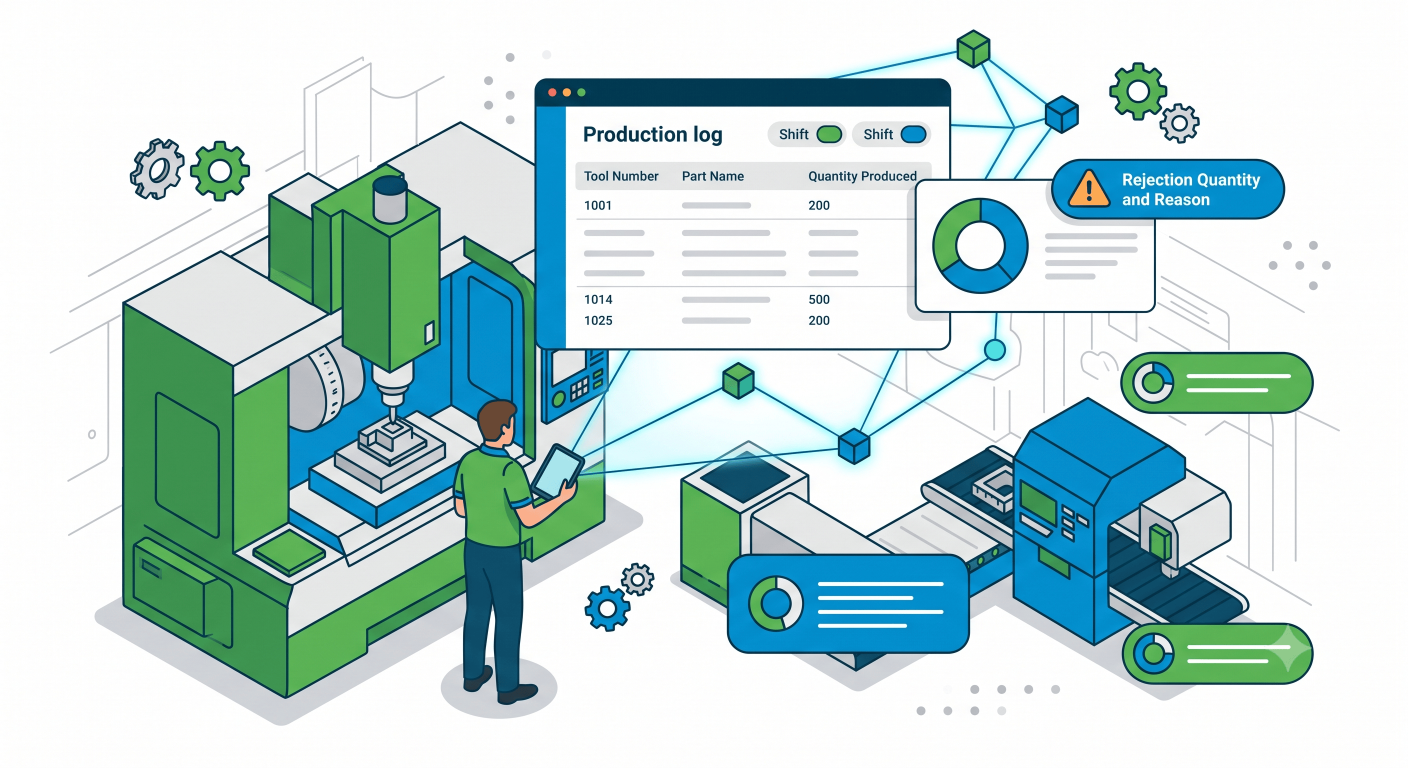
The production module is where your shop floor data begins. Operators log what they produced — tool number, part name, part number, quantity, and any rejections — directly from the Android tablet at their workstation. That entry immediately updates FG stock, production counts, and the management dashboard. No paper log. No end-of-shift batch entry. The moment a part is made, it exists in the system.
The Problem It Solves
In most factories, production counts are collected on paper at shift end and entered into a spreadsheet the next morning. By the time management sees the numbers, it's already too late to react. Parts run out of stock without warning. Rejections go unreported until they pile up. Customers call asking for parts that were assumed to be ready. eMaker closes that gap by capturing production data in real time, exactly when it happens.
How It Works
1. Operator opens the tablet at their press or machining station and logs their production entry — tool number, part name, quantity produced, shift, and any rejection quantity with reason.
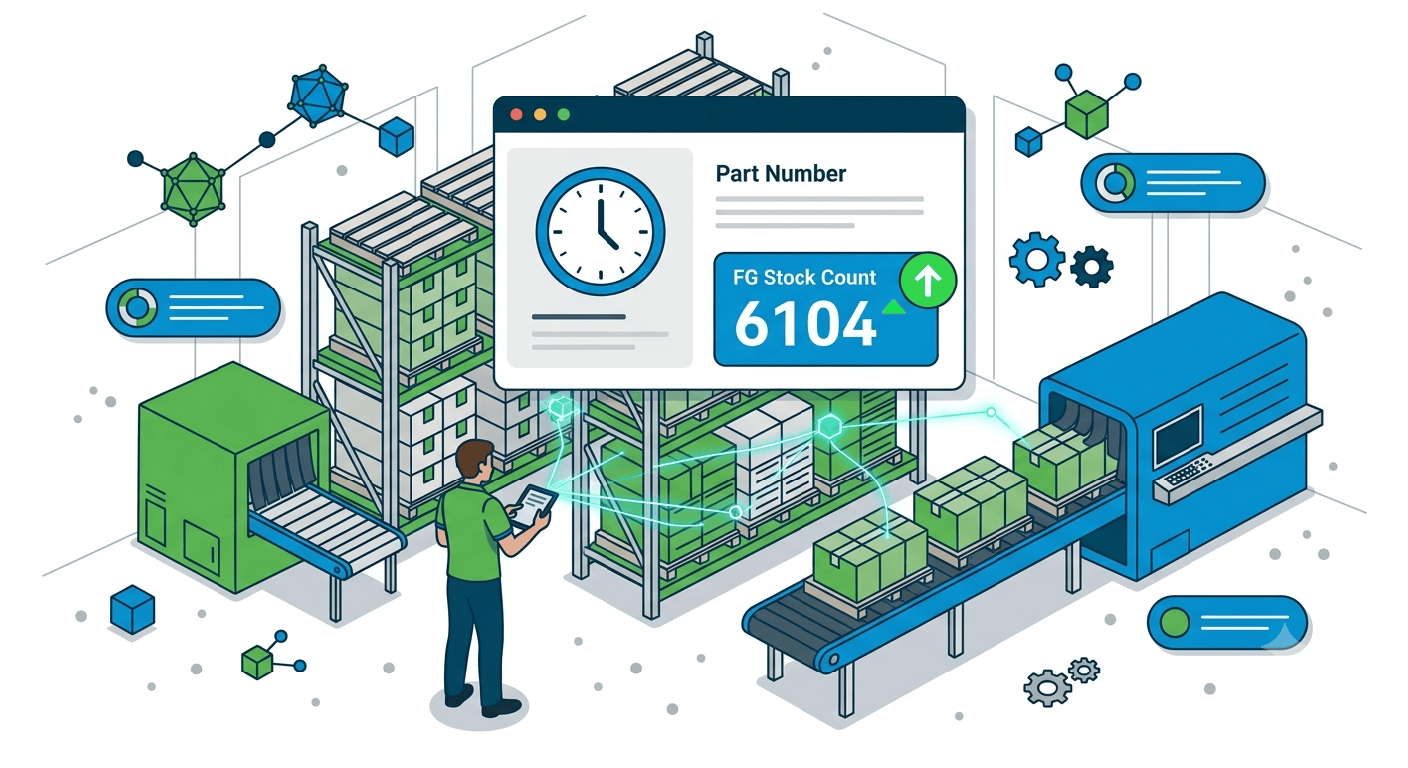
2. The system records the entry with a timestamp and updates the FG stock count for that part number immediately.
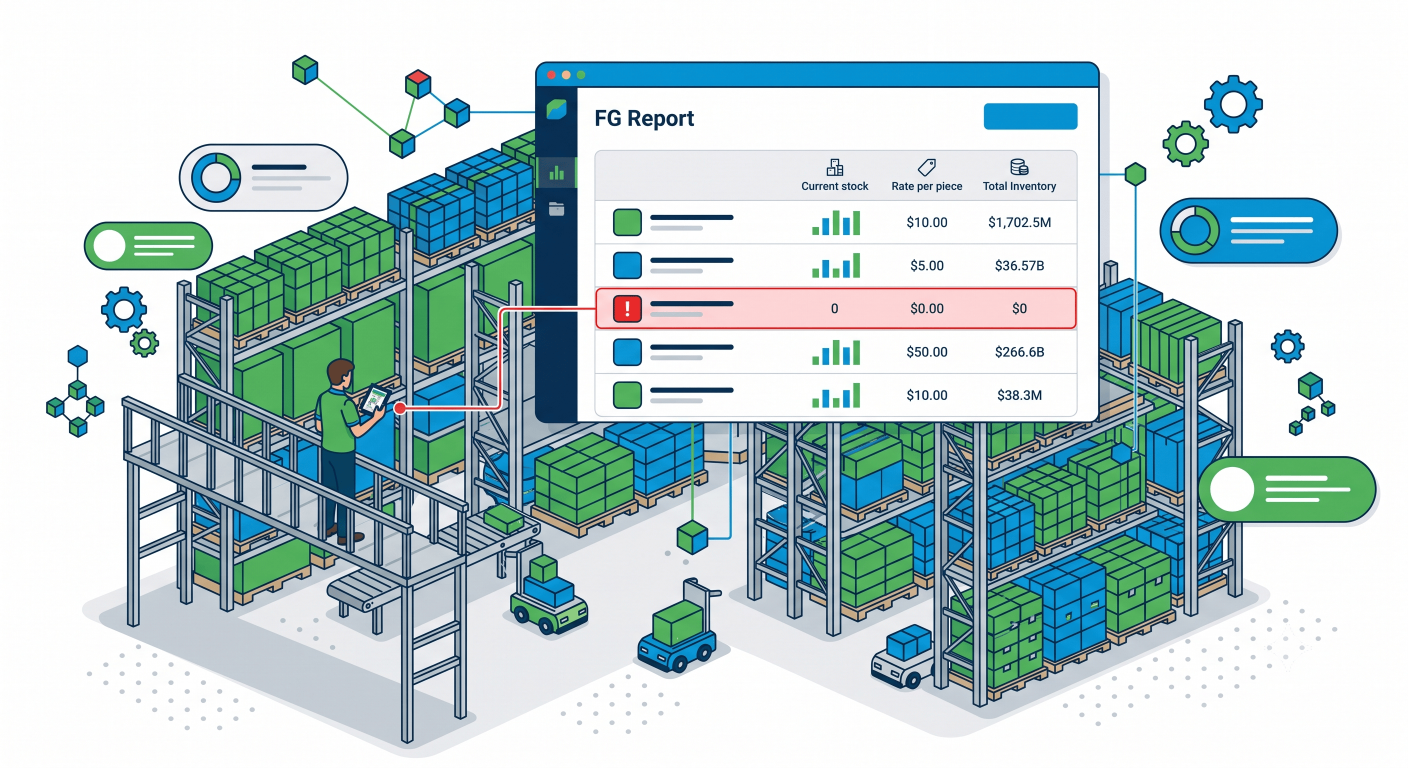
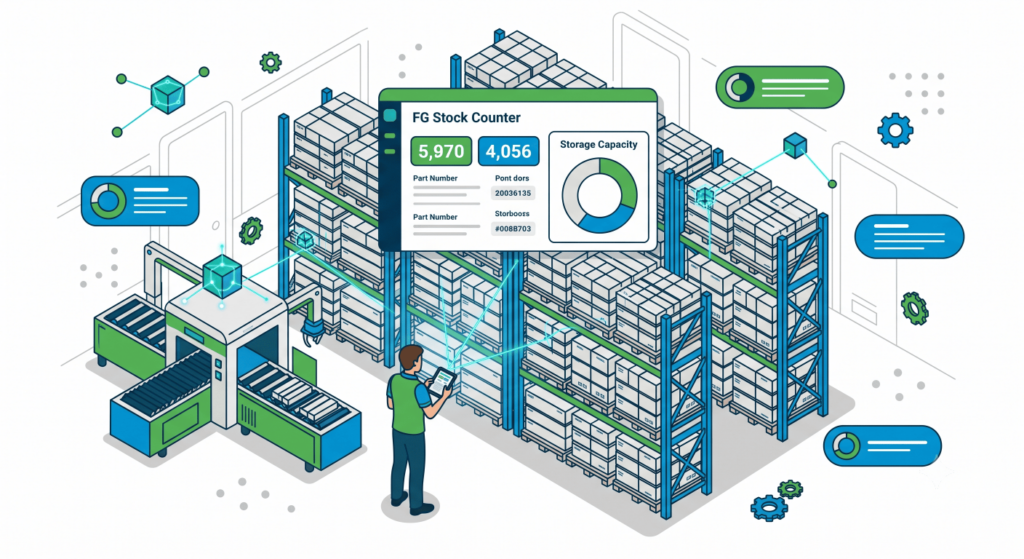
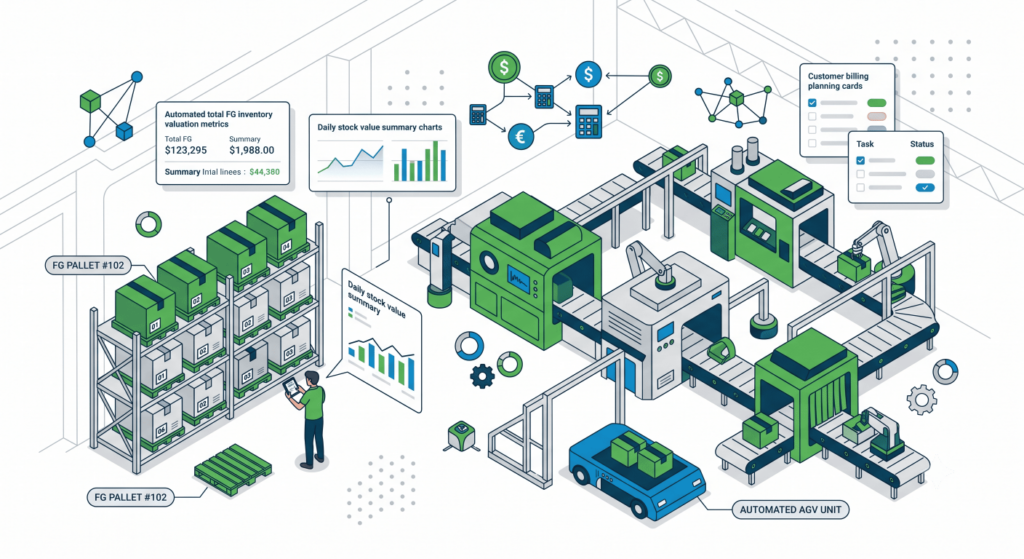
3. The FG Report screen shows all part numbers, their current stock (NOS), rate per piece, and total inventory value. Parts at zero stock are highlighted in red so production planning knows exactly what needs to be run today.
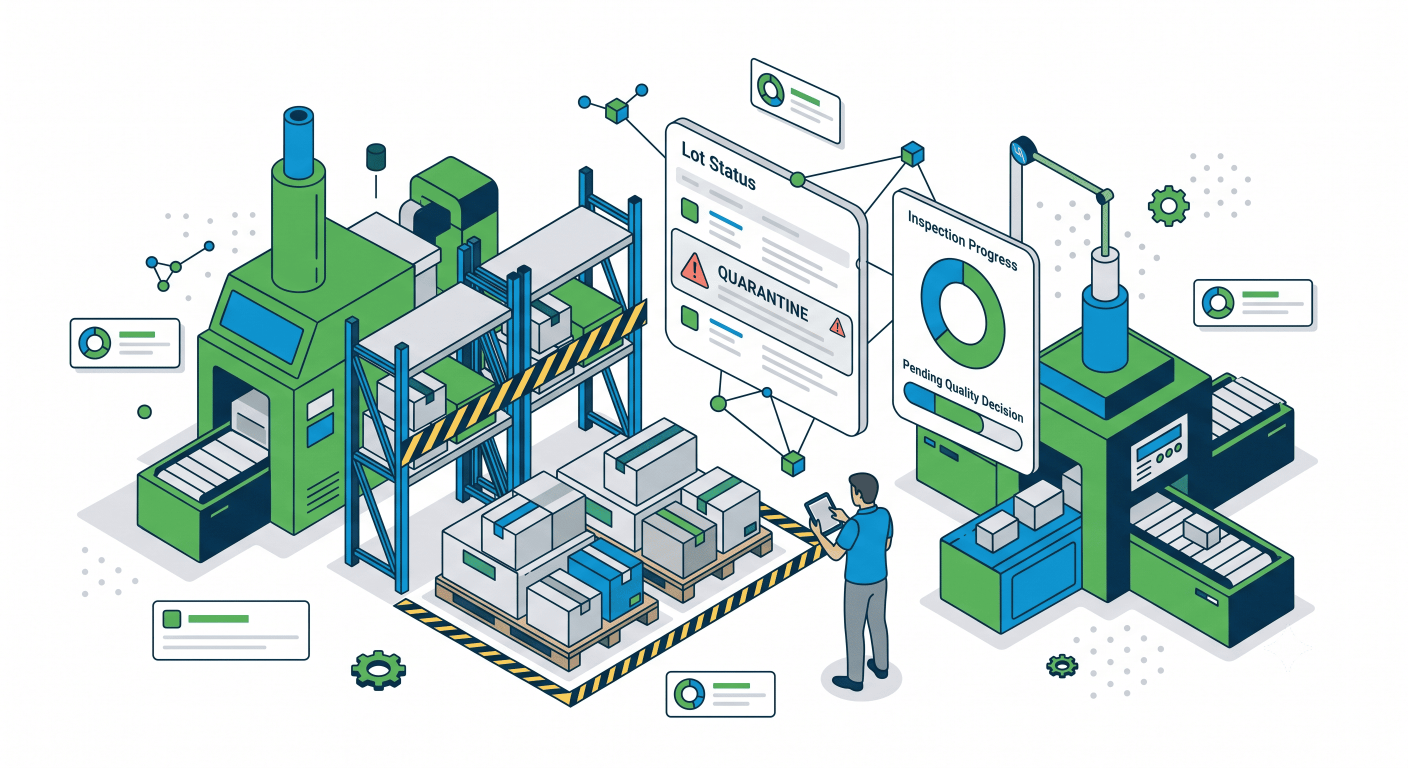
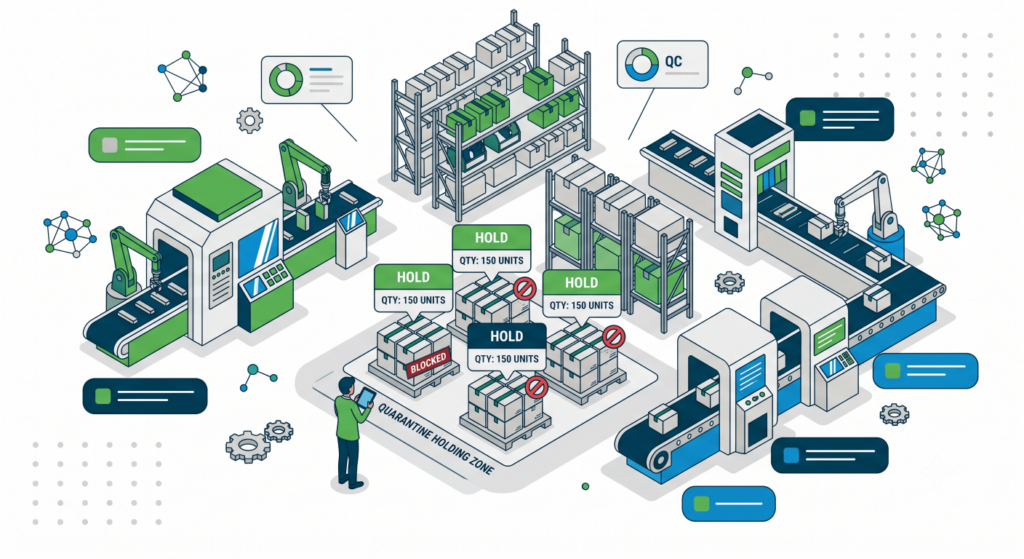
4. If a lot is suspect or under inspection, it's moved to Quarantine status and tracked separately until the quality team takes a decision.
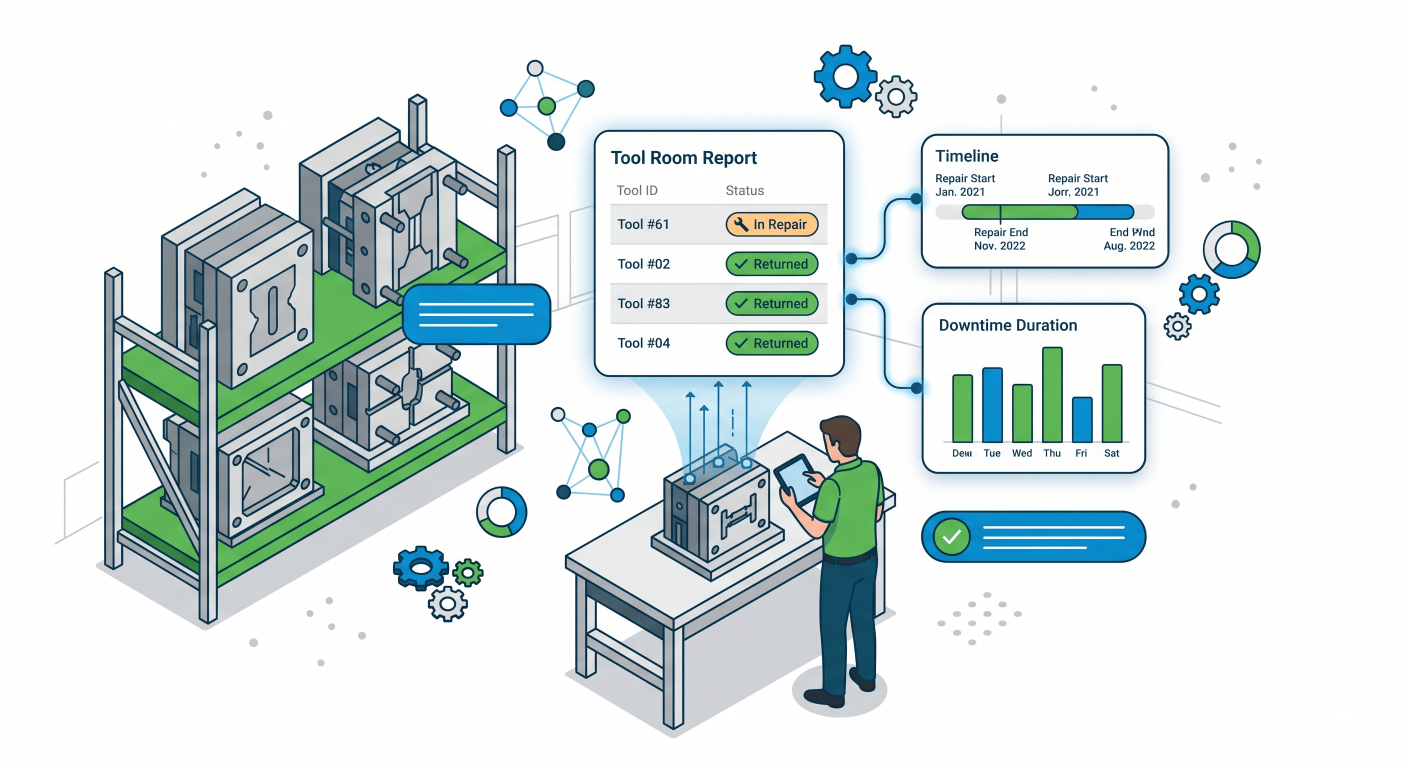
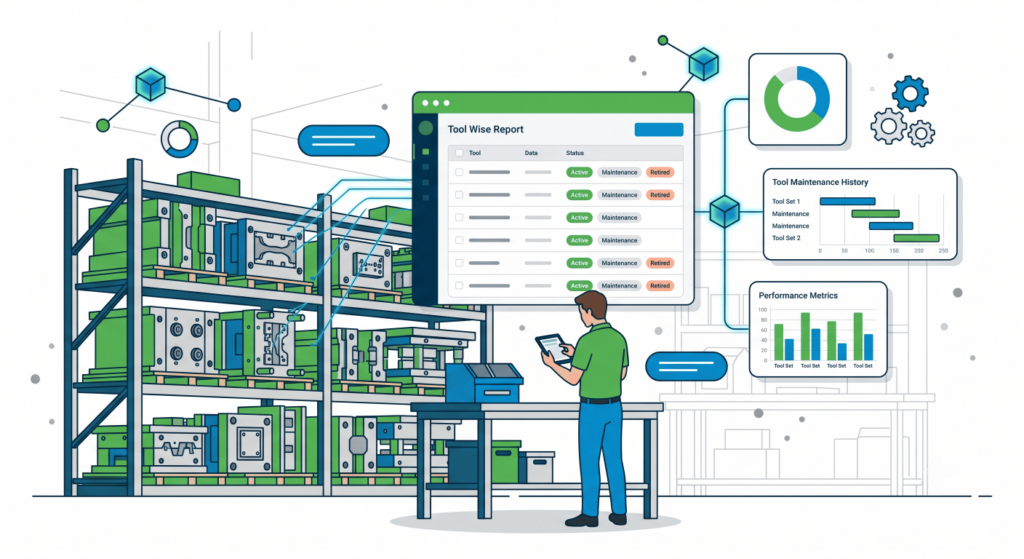
5. The Tool Room Report captures tool-wise maintenance entries — which tool went for repair, when it returned, and how much downtime it caused — so maintenance history is always on record.
FG Stock Counter
Live count per part number with value calculated at your defined rate per piece.
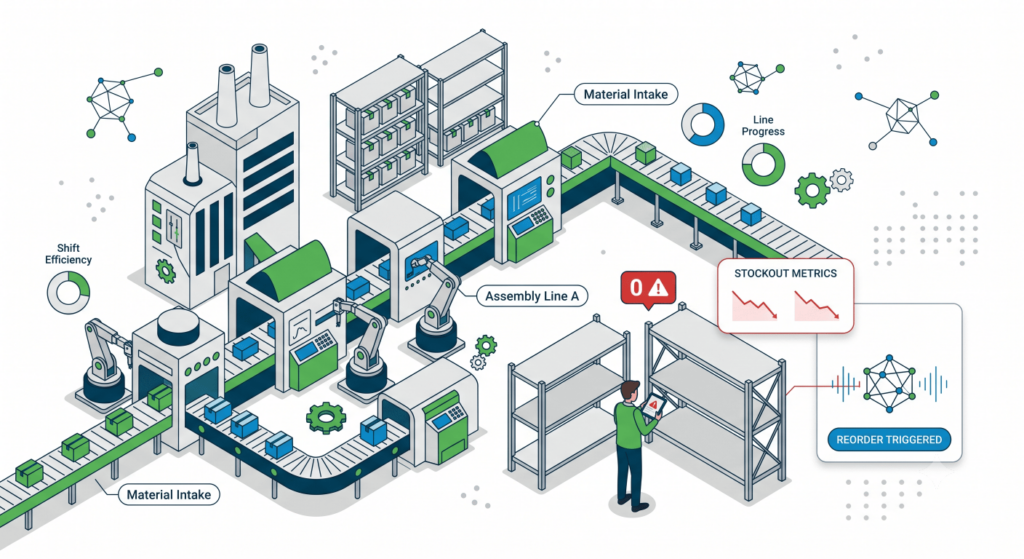
Zero Stock Alert
Parts with no FG stock are highlighted in red immediately — visible to production planning and dispatch.
Quarantine Tracking
Suspect lots are logged separately with quantity, so they don't get mixed into good stock or accidentally dispatched.
Tool Wise Report
See production output by tool number — useful for identifying underperforming tools and planning maintenance cycles.
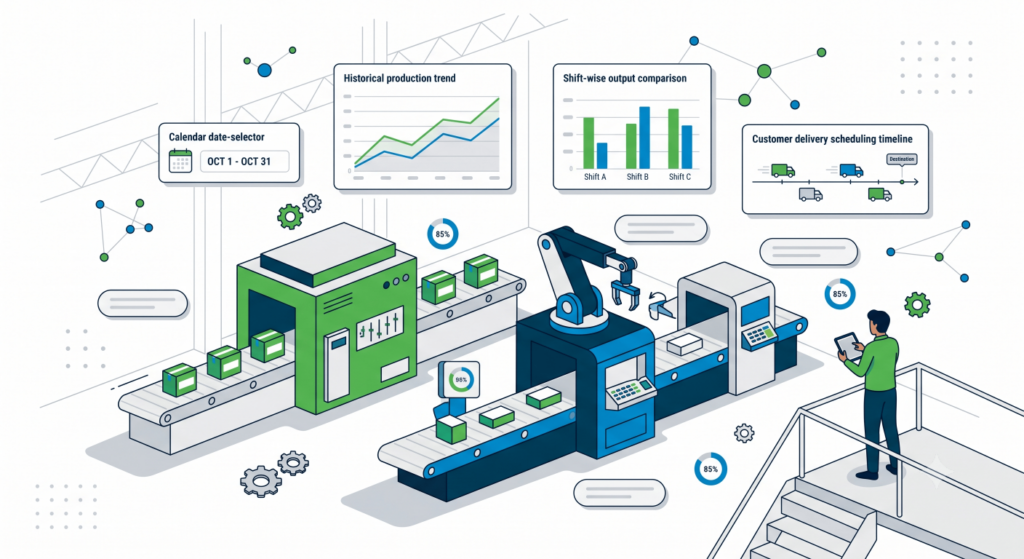
Date Wise Report
Filter production history by date range to analyse trends, plan customer deliveries, and track shift-wise output.
Total Inventory Value
The system calculates total FG inventory value automatically — useful for daily stock reports and customer billing planning.
Why This Matters for Your Business
No more end-of-day paper collection and manual Excel entry — production data is live
No more end-of-day paper collection and manual Excel entry — production data is live
No more end-of-day paper collection and manual Excel entry — production data is live
No more end-of-day paper collection and manual Excel entry — production data is live
No more end-of-day paper collection and manual Excel entry — production data is live
“When production is logged the moment it happens, everyone — from the supervisor to the dispatch team — is working with the same accurate numbers.”